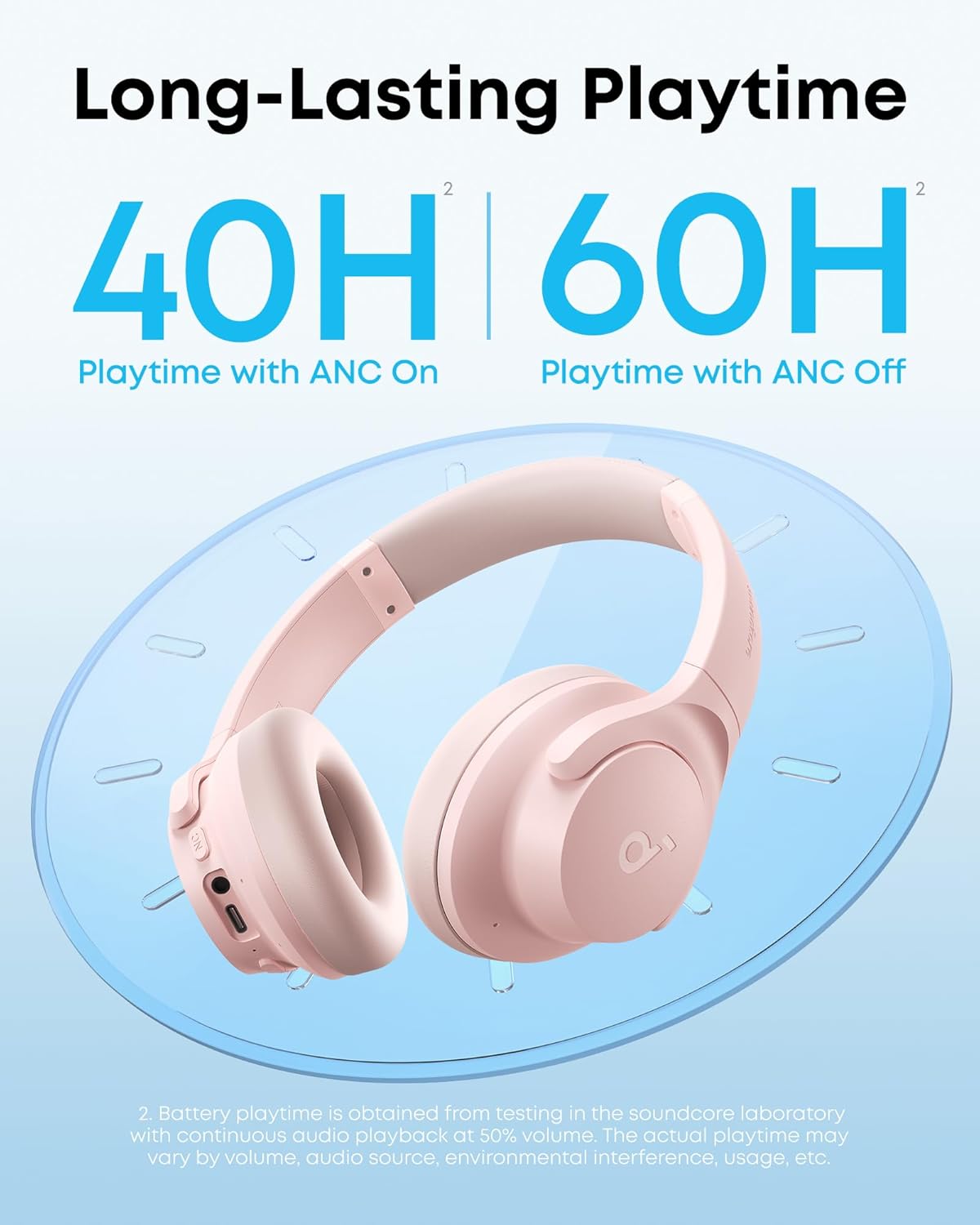
by Anker Q20i Hybrid Active Noise Cancelling Headphones, Pink | Over-Ear, Bluetooth, 40H ANC Playtime, Hi-Res Audio, Big Bass, Transparency Mode, Customize via App, Travel, Home, Office
 by Anker Q20i Hybrid Active Noise Cancelling Headphones, Pink | Over-Ear, Bluetooth, 40H ANC Playtime, Hi-Res Audio, Big Bass, Transparency Mode, Customize via App, Travel, Home, Office thumbnail  by Anker Q20i Hybrid Active Noise Cancelling Headphones, Pink | Over-Ear, Bluetooth, 40H ANC Playtime, Hi-Res Audio, Big Bass, Transparency Mode, Customize via App, Travel, Home, Office thumbnail  by Anker Q20i Hybrid Active Noise Cancelling Headphones, Pink | Over-Ear, Bluetooth, 40H ANC Playtime, Hi-Res Audio, Big Bass, Transparency Mode, Customize via App, Travel, Home, Office thumbnail  by Anker Q20i Hybrid Active Noise Cancelling Headphones, Pink | Over-Ear, Bluetooth, 40H ANC Playtime, Hi-Res Audio, Big Bass, Transparency Mode, Customize via App, Travel, Home, Office thumbnail  by Anker Q20i Hybrid Active Noise Cancelling Headphones, Pink | Over-Ear, Bluetooth, 40H ANC Playtime, Hi-Res Audio, Big Bass, Transparency Mode, Customize via App, Travel, Home, Office thumbnail  by Anker Q20i Hybrid Active Noise Cancelling Headphones, Pink | Over-Ear, Bluetooth, 40H ANC Playtime, Hi-Res Audio, Big Bass, Transparency Mode, Customize via App, Travel, Home, Office thumbnail
by Anker Q20i Hybrid Active Noise Cancelling Headphones, Pink | Over-Ear, Bluetooth, 40H ANC Playtime, Hi-Res Audio, Big Bass, Transparency Mode, Customize via App, Travel, Home, Office
$44.99

List Price: 69.99

Discount: -36%

Deal: Yes

Rating: 4.6 ★ (366 reviews)

Availability: In Stock

Brand: Soundcore

Category: Over-Ear Headphones

SKU: Pink,Standard,Modern

Promotion Hot Sale

Is there a noise cancelling feature in AUX-in state?

No, the AUX-in state does not feature noise cancelling. ANC works in Bluetooth mode only - it pauses automatically in wired mode.

How should I use ANC mode for a better experience?

1. Check whether you are wearing the headphones correctly and whether the left and right are reversed;

2. Ensuire the earpads completely cover your ears;

3. Adjust the length of the headphones to ensure it fits correctly.

How can I adjust the audio settings If the default sound isn’t for me?

The app (iOS & Android) offers multiple EQ presets as well as manual tuning, allowing you to adjust the sound profile—such as bass, mids, and treble—to better suit your listening preferences.

How do I reconnect my Q20i headphones?

Press and hold the "Power On" button for 3s until you hear the boot up tone, and the headphones will automatically reconnect to the last device. If not, after continuously sending a reconnection signal for 5s, it will enter into pairing mode again.

How can I optimize my charging experience?

Please charge the headphones with a charger with sufficient power. We recommend you use a genuline charger above 5V/1A.

Product description

Visit the Store

Visit the Store

Visit the Store

Visit the Store

Visit the Store

Visit the Store

Visit the Store

Visit the Store

Visit the Store

From the brand

Recently Viewed

Guess You Like